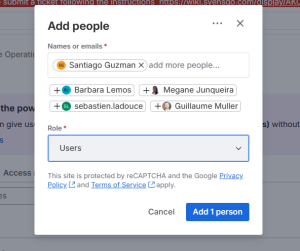
Question - How to access project?
Ans - After receiving Jira access, if you want to access your team project, please confirm the project name with your manager and ask the project admin to add you to the project.
Question - As a project admin, how do I add a user to the project?
Ans - If you are a project admin, please follow the steps below to add a user:
- As an admin, you will see the following options:
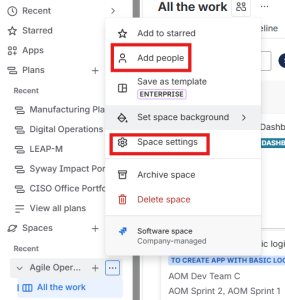
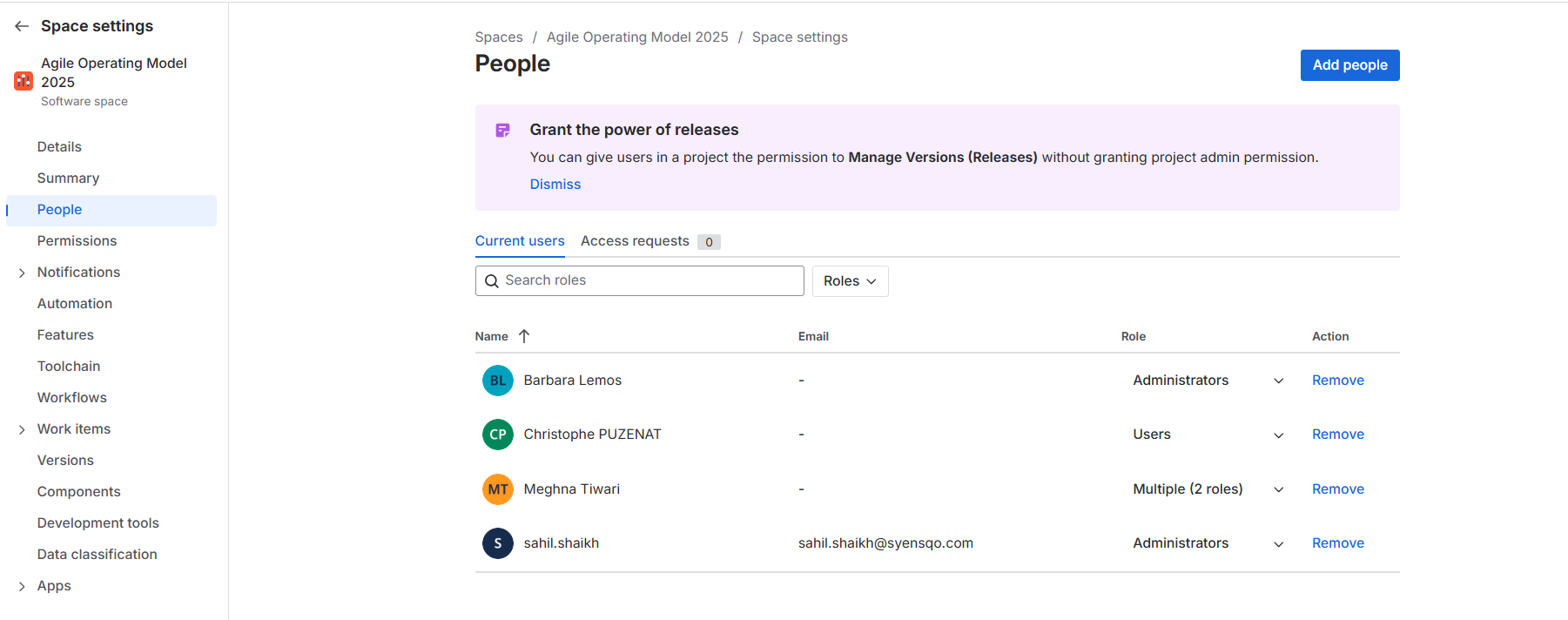
2. Click on "Add people" or go to "Space settings" → "People".
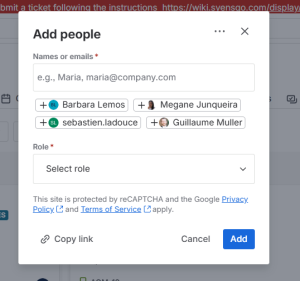
If you click only on "Add people," you will see the following screen. | If you click on "Space settings" → "People," you will see the following screen. |
|---|---|
 |
|
3. Search for the user by typing their name or email address, then select the name and assign the appropriate role to the user.