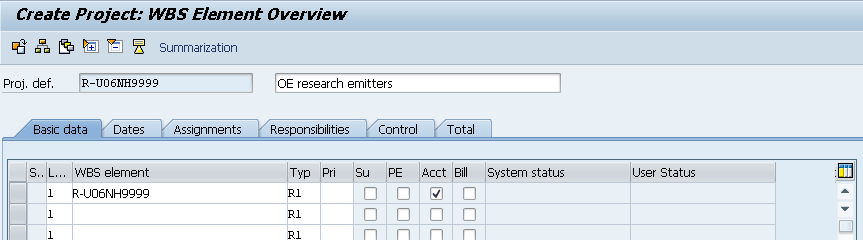
Enter Transaction CJ01.
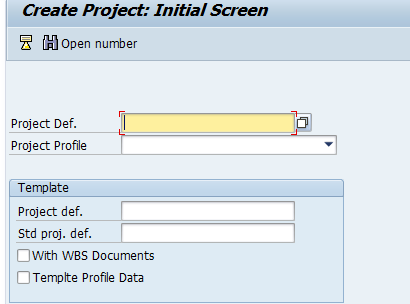
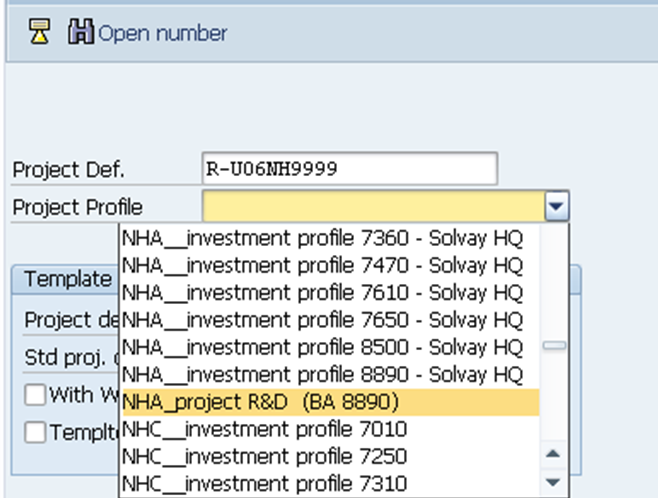
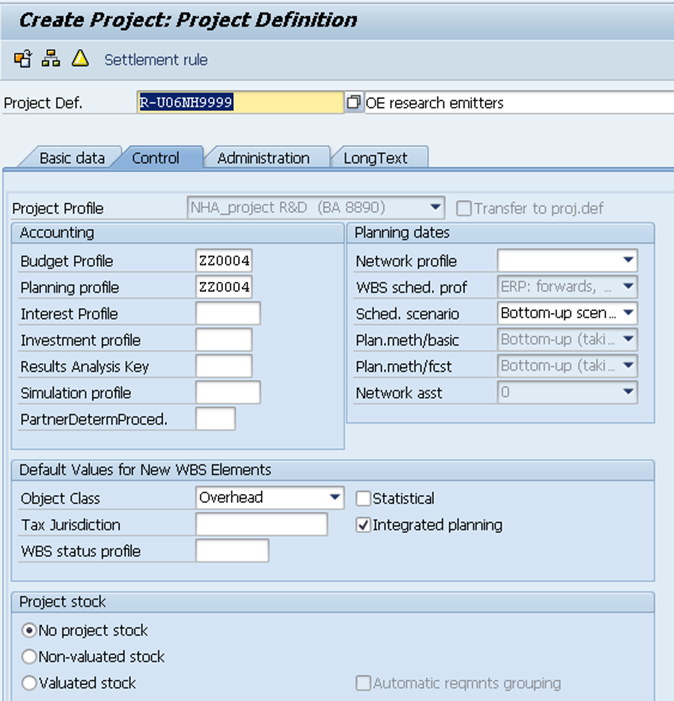
Insert the project definition and choose the project profile according to the plant of the company. This information will be available in template received.
The Project Profile should be always “ XXX_project R&D (BA XXXX)”. |
In the next screen:
- Include the Project Name send in the template
- Check if the Business Area is correctly filled.
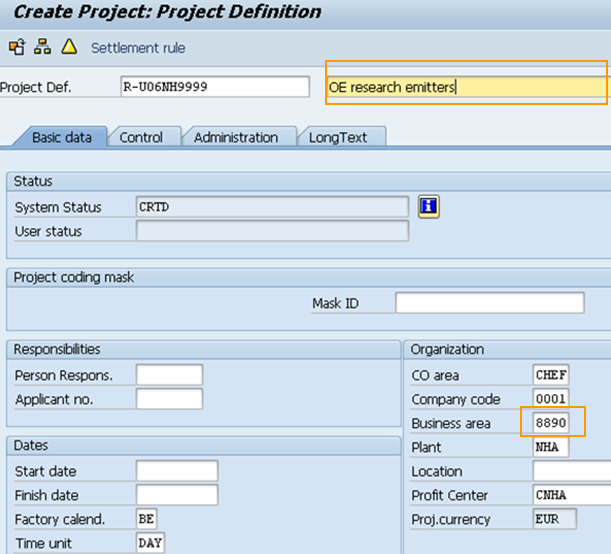
Enter in tab Control to confirm the object class “Overhead”.
- Click on the WBS overview.
- Fulfill the level 1 WBS by inserting in WBS element and description accordingly with template received.
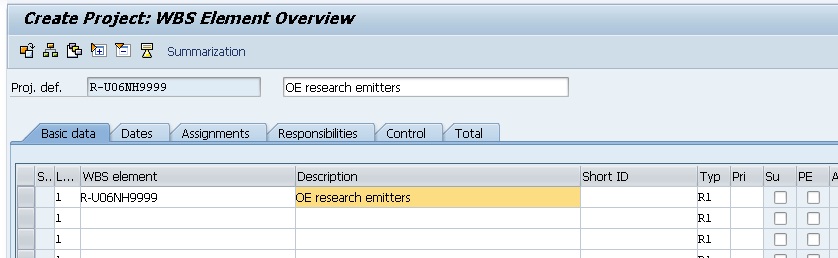
- Flag the "Acct" Column.
Column ''Typ'' is set by default to R1. Change it only if mention in the template file.