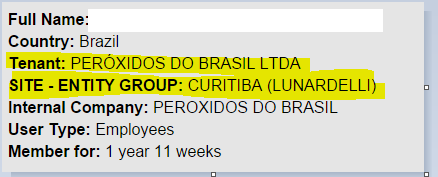
Local admin get 403 Error when click on "Edit User Profile" |

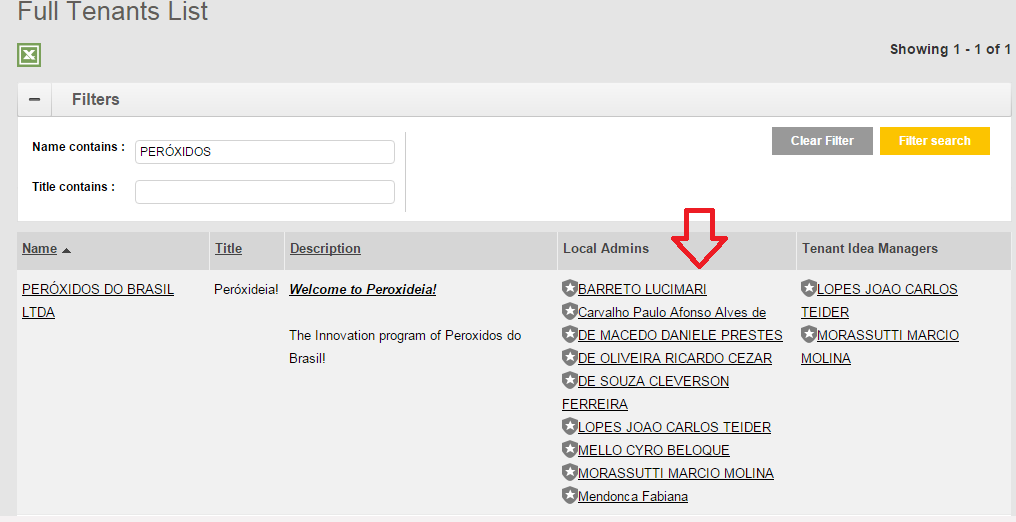
The admin user must be appointed as the "local admin" of the Tenant site. |
1) Go to "Administer" > "Full Tenant List", check if the admin user is the appointed local admins of the tenant site.
Search the admin user and view the profile.