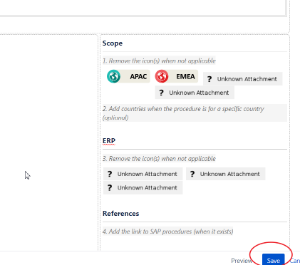
after click crate a page ,
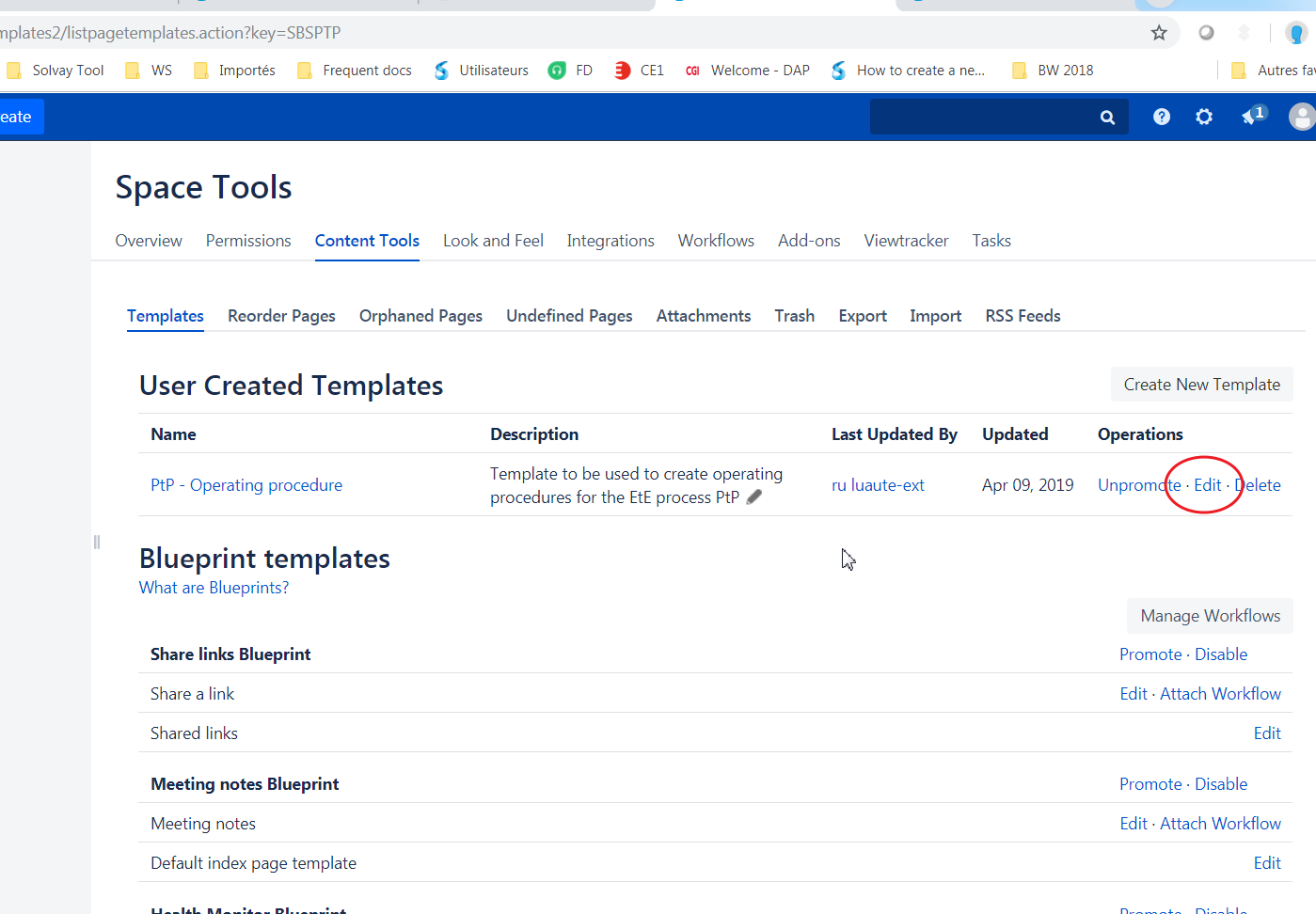
chose " add or customize templates for the selected space"

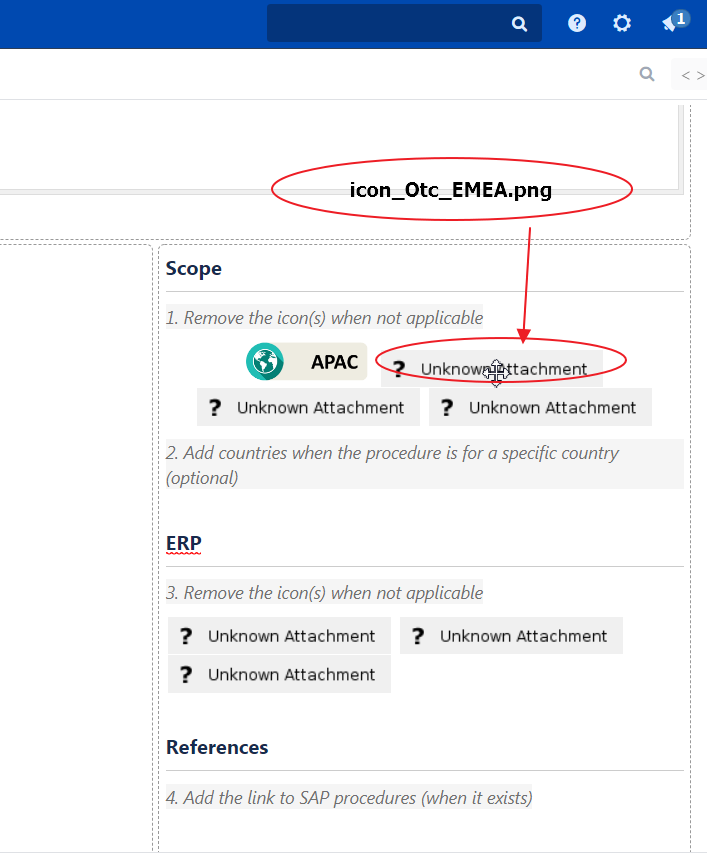
as you can see there are some unknown attachment image ,
mouse over on this image , you can see the name is : " icon_Otc_EMEA.png"
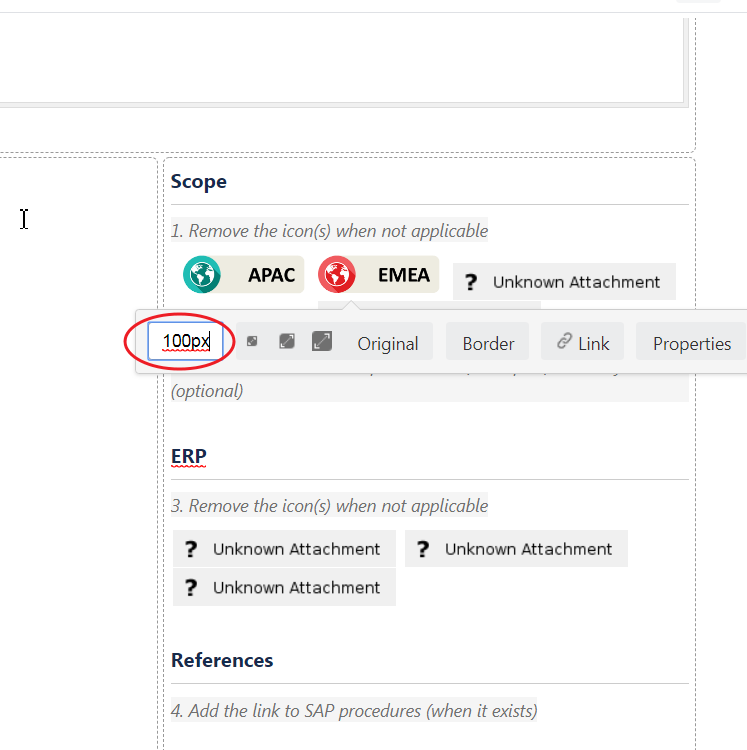
1) click on the image you need replace
2) click on insert the image
3) " search on other page
4) put your image's name
5) search
6)select the image
7) insert