BAAN allows to print to user's default Windows printer. To print from BAAN to the default printer, user has to select one of the following devices:
WINDOWS - to print in portrait mode
WINDOWS_LND - to print in landscape mode
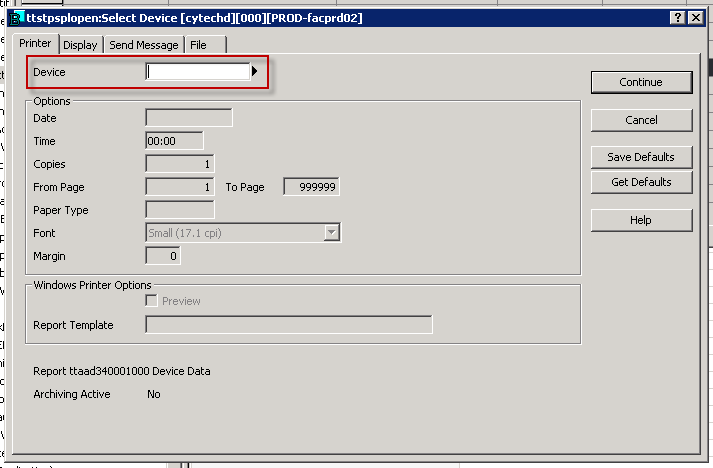
To select WINDOWS or WINDOWS_LND as the printer in BAAN, the user has to enter the device name (WINDOWS / WINDOWS_LND) on Select Device screen.
Or, they can click on the arrow next to the printer name and select the right printer from the list of available printers.