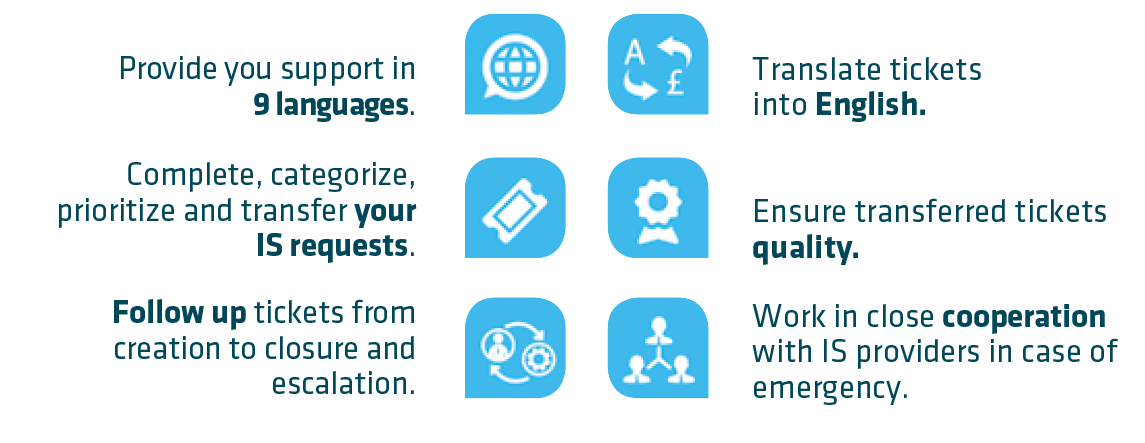
IS Applications means “Information Systems Applications”. This term is used to identify IT Applications such as programs or software like SAP, SRM7, Qlikview, Dynasis, Documentum, Salesforce ....
IS Infra means “Information Systems Infrastructure” This term includes hardware such as computers, printers, networks, telephones. It also includes the local software installed on the PC (Microsoft office, Chrome…). If you have an issue concerning IS Infrastructure, you can report it by contacting your local helpdesk available here.
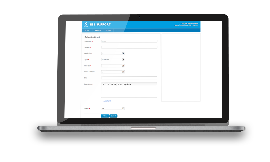
The IS Applications Contact Center can be reached via Freshdesk tool or by phone on ** 9100 (Cheyenne Sites) or 351 21 831 9100.
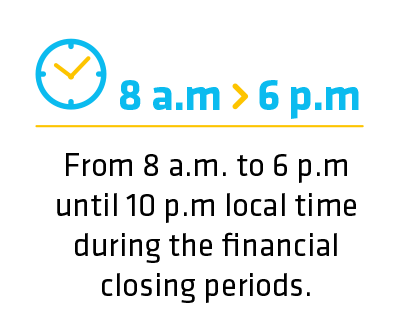
For urgent tickets (P1, P2) and only if the ticket is in English, handling time is extended to 24hx5. Urgent tickets are handled by the IS Applications Contact Center open at the time of ticket takeover. For example, at 11pm GMT tickets P1, P2 are handled by Curitiba IS Applications Contact Center.
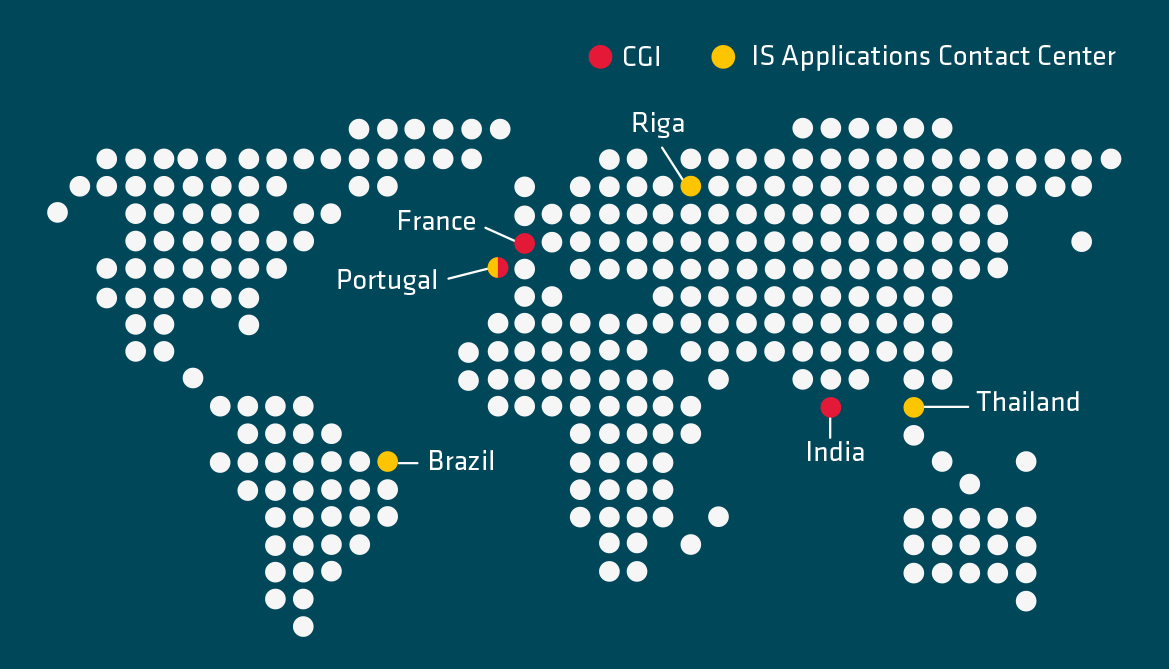
The IS Applications Contact Center is located in three geographical zones:
Lisbon in Portugal for EMEA,
Curitiba in Brazil for the Americas zone,
and Bangkok in Thailand for the Asia Pacific zone.
No, it is not possible but CGI can contact you to get clarification if your ticket was created in English. Otherwise, communication will be with the IS Applications Contact Center teams.
In those cases, it is necessary to contact the IS Applications Contact Center by phone on ** 9100 ( Cheyenne Sites) or 351 21 831 9100. In case the answer provided by the IS Applications Contact Center is not satisfactory, you can contact the BRM or CRM of your entity.
Add at least these two labels : <name of the application> + FAQ