Miro offers a variety of Templates to help you boost your workflow and give a quick start to any project.
One of them is called "Kanban". You can use this to follow up on actions and projects tasks.
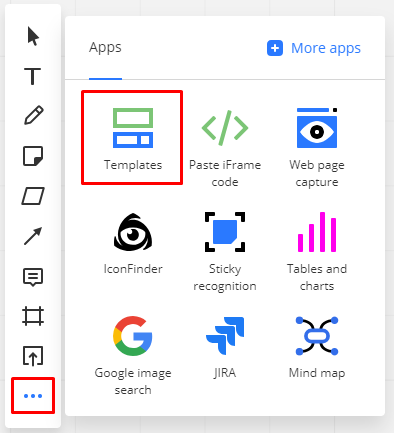
To add a Kanban template to your board click on the + button on the Toolbar and choose "Templates".
<iframe width="340" height="200" src="https://www.youtube.com/embed/swSXJIDmdXc" frameborder="0" allow="accelerometer; autoplay; encrypted-media; gyroscope; picture-in-picture" allowfullscreen></iframe> |
Look for Kanban Framework and click on "Add"

Manage your work visually with the Kanban interactive template.
Customize it to build your own workflows from a simple to do list to complex scrum framework board!