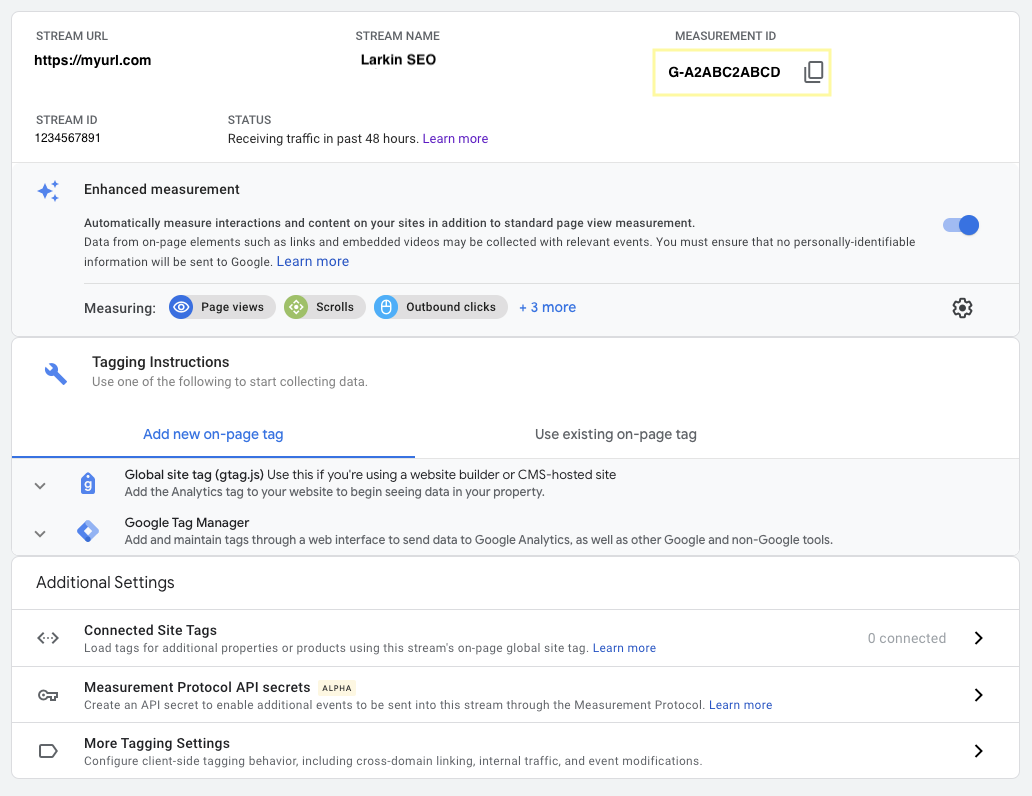
To find your unique Measurement ID open your GA4 Property (From Google Analytics).
Click the gear icon in the lower left-hand corner to enter the Admin section.
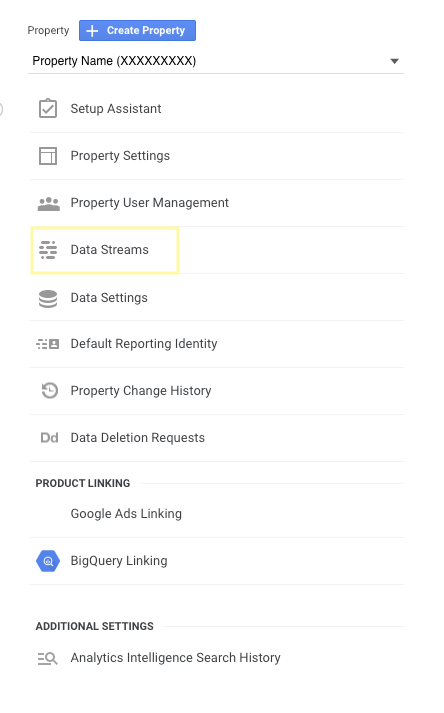
- Within the Admin section, find the property column and open Data Streams.
- Select your data stream, and you will see the associated Measurement ID in the top right corner; it will look like G-A2ABC2ABCD.