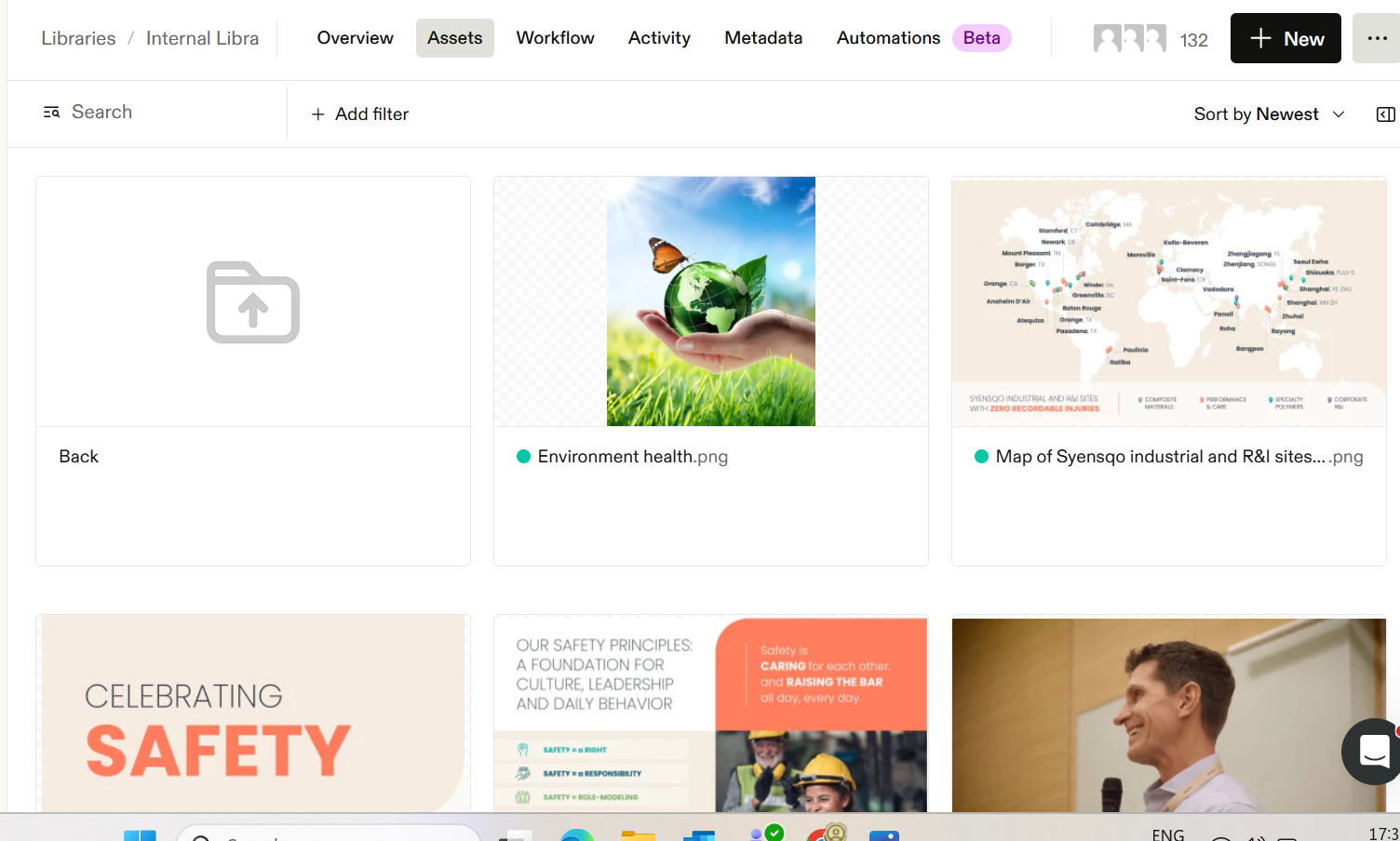
Inorder to add new image in frontify, go to https://brand.syensqo.com/auth/?referer=%2F
select SSO option to login, and go to Libraries
select the particular sub folder you want to upload the image, like internal library 1st one, select the particular function sub folder like GBU's, Functions, Regions and initiatives.
Once you have selected the sub folder like Functions, on top right side we have new option to add new image or video,

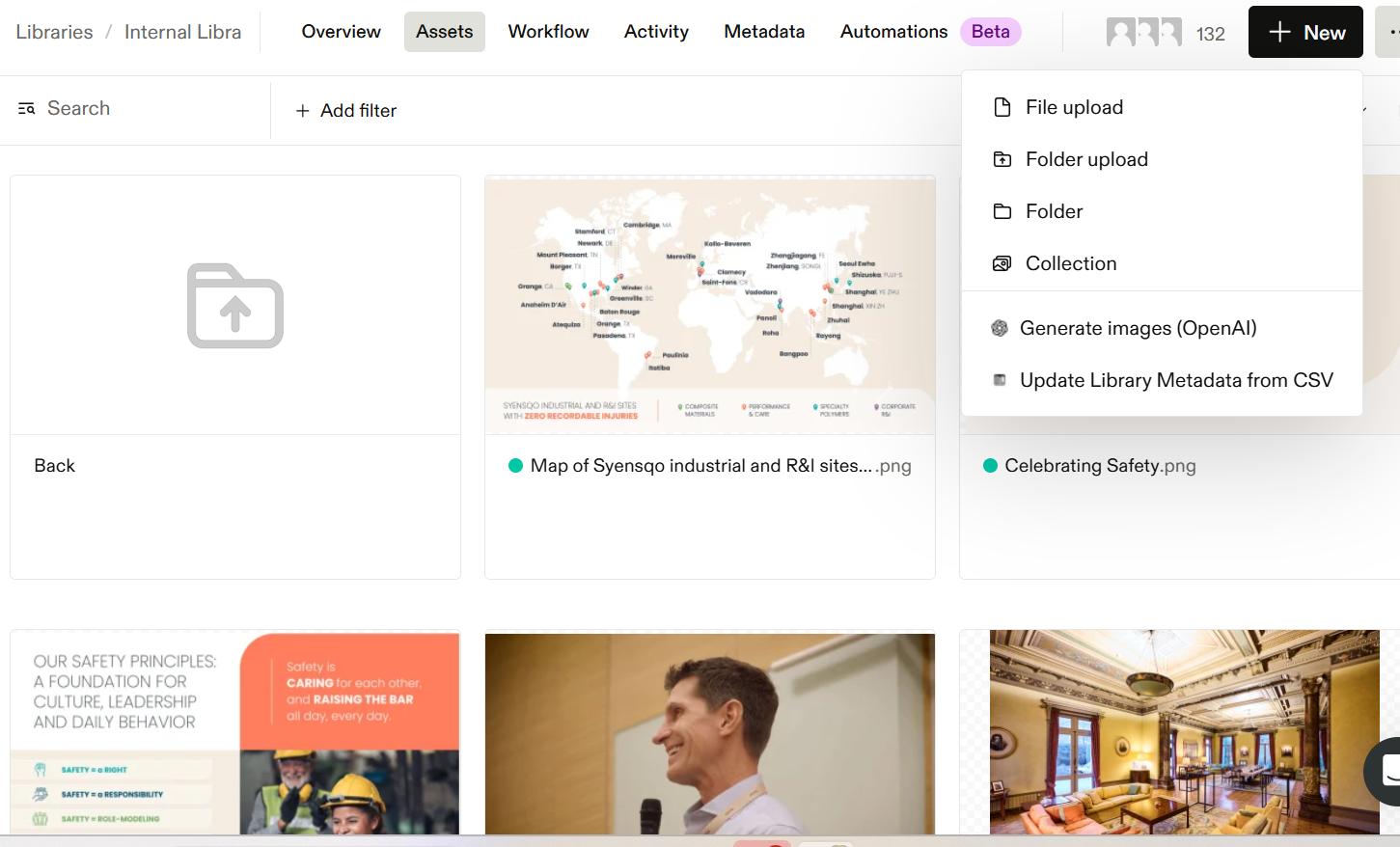
Click on file upload, and import the image and uplaod in the functions sub folder, Once its uploaded, it will be shown like this
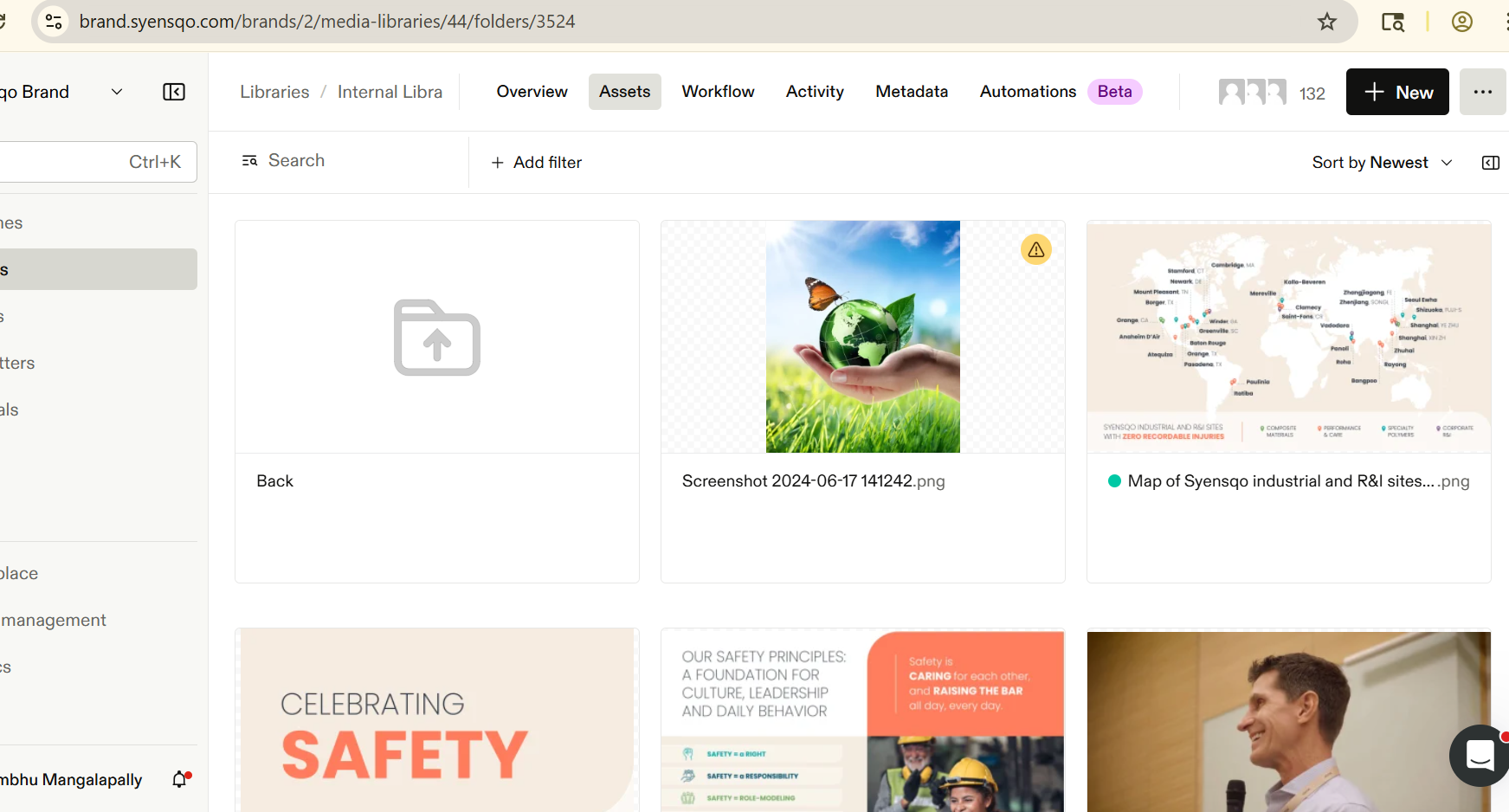
Now click on the image and update the fields like Name and categoires and workflow status of image to Approved, if need to ge approved by any one manager, you can send it for him using Approval and add a reviewer,
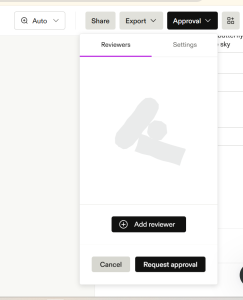
Once provided the custom properties now you can save it. And the image has been published.