

STEP 1
Start the transaction using the menu path or transaction code KOH2
Double-click 

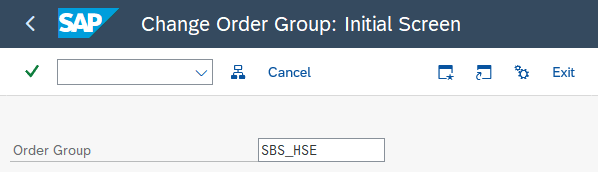
Change Order Group : Initial Screen

STEP 2
Enter the group you want to update and 
STEP 3
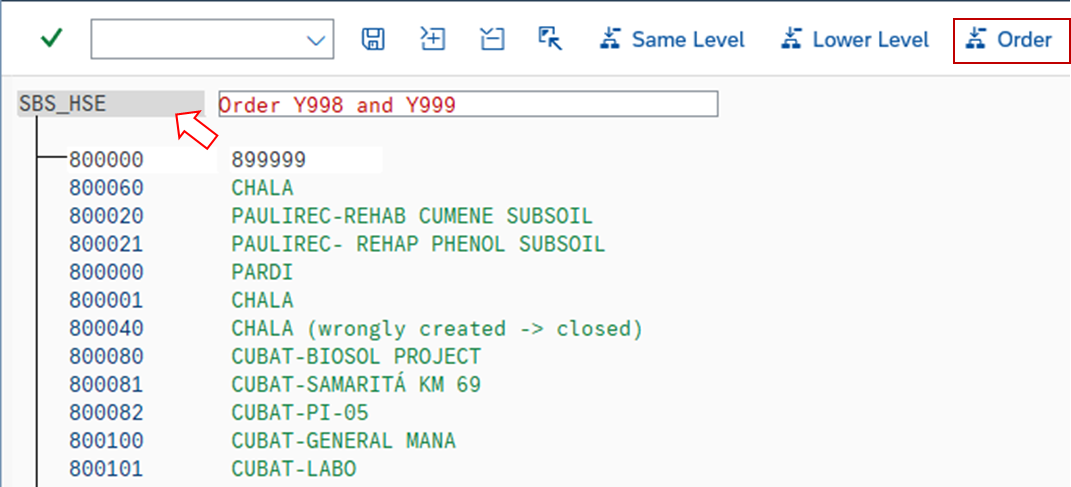
Click on the group you want to include a new order and click 
STEP 4
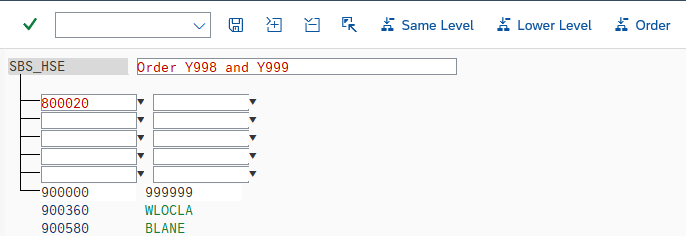
Enter the code of the internal order to be included in the group and 

There is a message at the bottom of the page
 You can leave the transaction
STEP 5
If you want to update the description in another language, you must log in the language requested
