

Summary
This guide outlines methods for extracting change logs from SAP Ariba. Users with the appropriate roles can access and export audit logs at both document and tenant levels. For individual documents (such as purchase requisitions or invoices), open the document and use the History tab or the event audit log export function. Administrators can retrieve tenant-wide logs via the Core Administration or ICM Audit Reports tools, with options to filter and export data for comprehensive auditing and reporting.
📝Pre-requisites (roles you’ll need)
- Customer Administrator (to see tenant-level Audit Log / ICM Audit Reports).
- Access to Analytical/Advanced Reporting (to build/export change-history reports).
- Event Owner/Team for Guided Sourcing event audit logs.
Step 1: One-off “change log” from a single document
- Buying & Invoicing (PR/PO/Receipt/Invoice): Open the document, go to History tab.
- Guided Sourcing events: Open event → More actions (…) → View audit logs → Export to Excel.
Step 2: Tenant-wide Audit Log (administrator view)
- Legacy: Core Administration → Site Manager → Audit Log → Filter → Export to Excel.
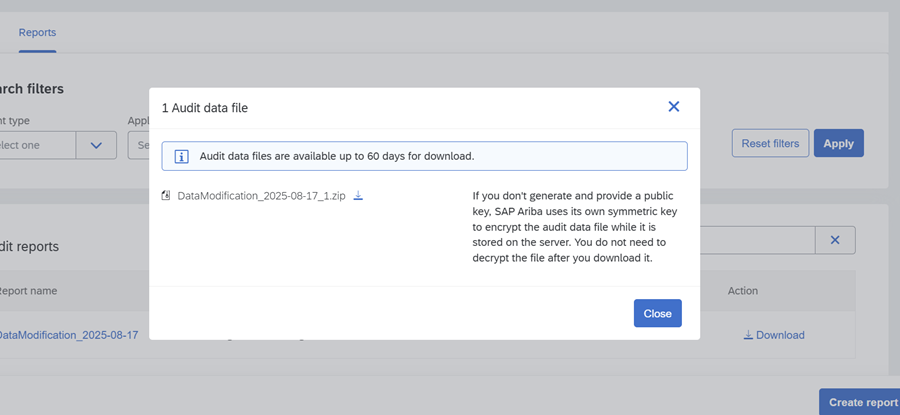
- New (ICM Audit Reports): Generate report in ICM Audit Log → Download encrypted ZIP → Decrypt locally.

Step 3: Bulk “change history” via Analytical/Advanced Reporting
- Create → Analytical Report.

- Select Source Data (views that expose change/approval history).

- Add fields: Document ID, Change Action, Old/New values, Changed by, Timestamp.
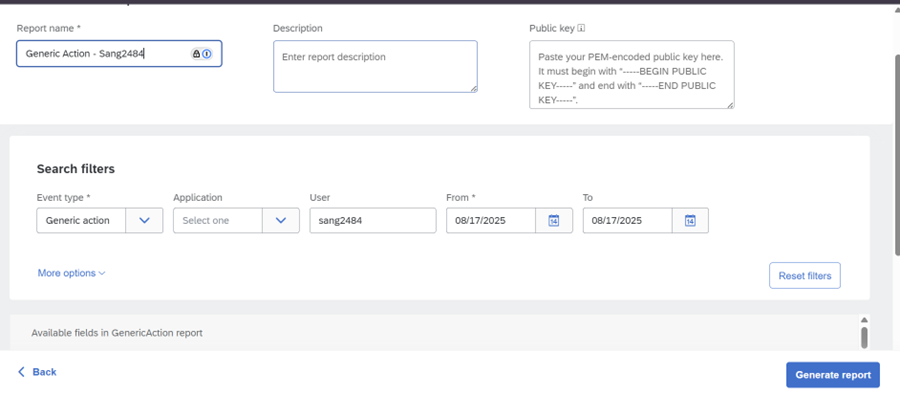
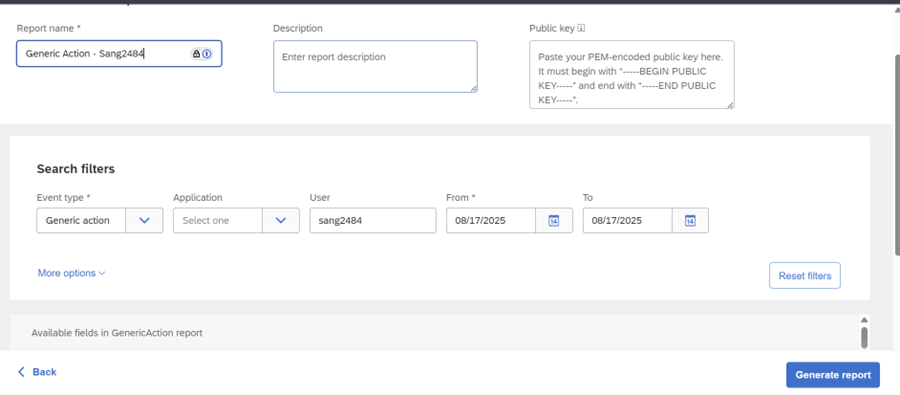
- Set Filters (date range, document type, user).
- Run & Export (CSV/Excel).

The Field Attributes contains the detail of the changes, however this is unformatted
This can be formatted by text to columns

And manual formatting

Step 4: Automated extraction (APIs)
Audit Search API: Request API access, generate Client ID/Secret, run search jobs, download results.
- Analytical Reporting APIs: Define reporting view, submit job, retrieve results programmatically.
- Continuous ingestion: Audit Search API.
Considerations while exporting change logs
- Time zones: Audit timestamps are server-side.
- Real vs Effective User: Check both.
- Filters first, export second to avoid large files.
- ICM encryption: Requires key upload and local decryption.