

Overview
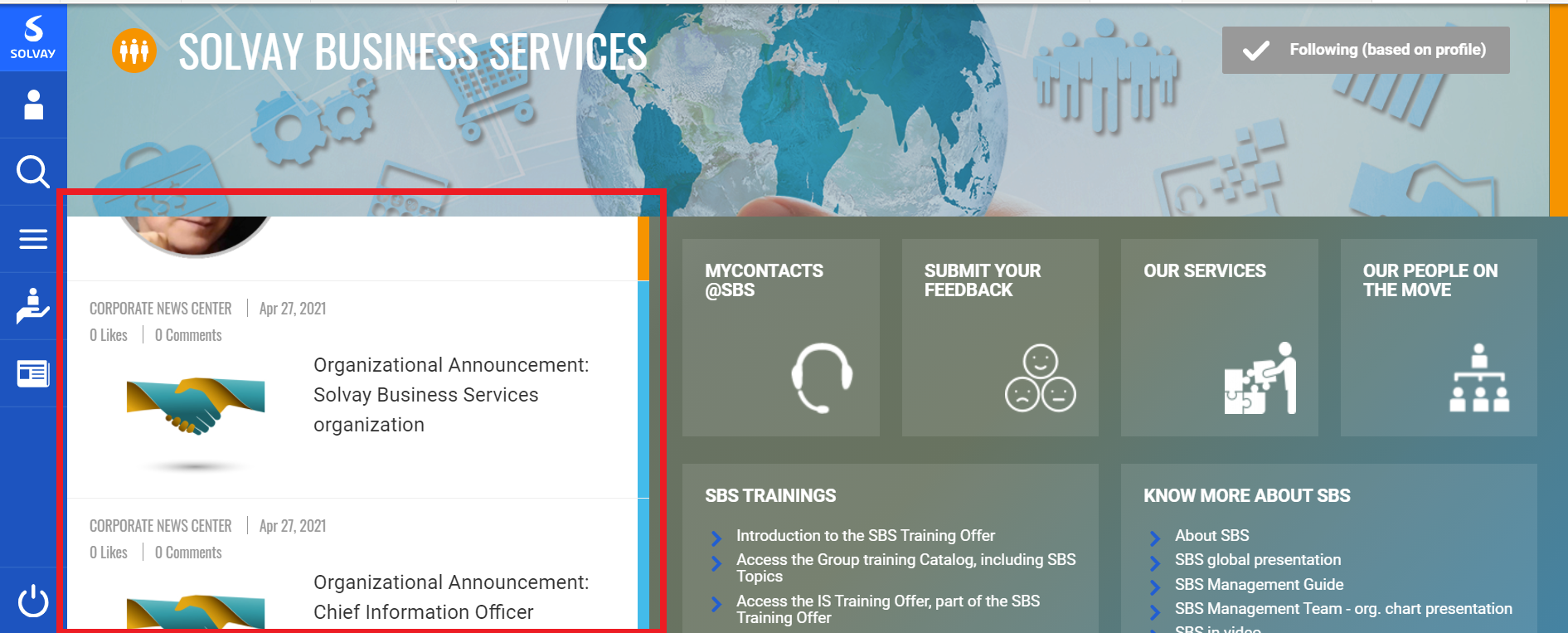
The list of articles displayed in your space is based on tags. It will display articles containing tags you have defined.
On this page, you will see how to define your space tags.
Step-By-Step
STEP 1 - Edit a space
As for most of the components of the space, when you want to modify the banner, you will have to click on the Edit tab on your space.

STEP 2 - Define a tag
Once on the Edit page :
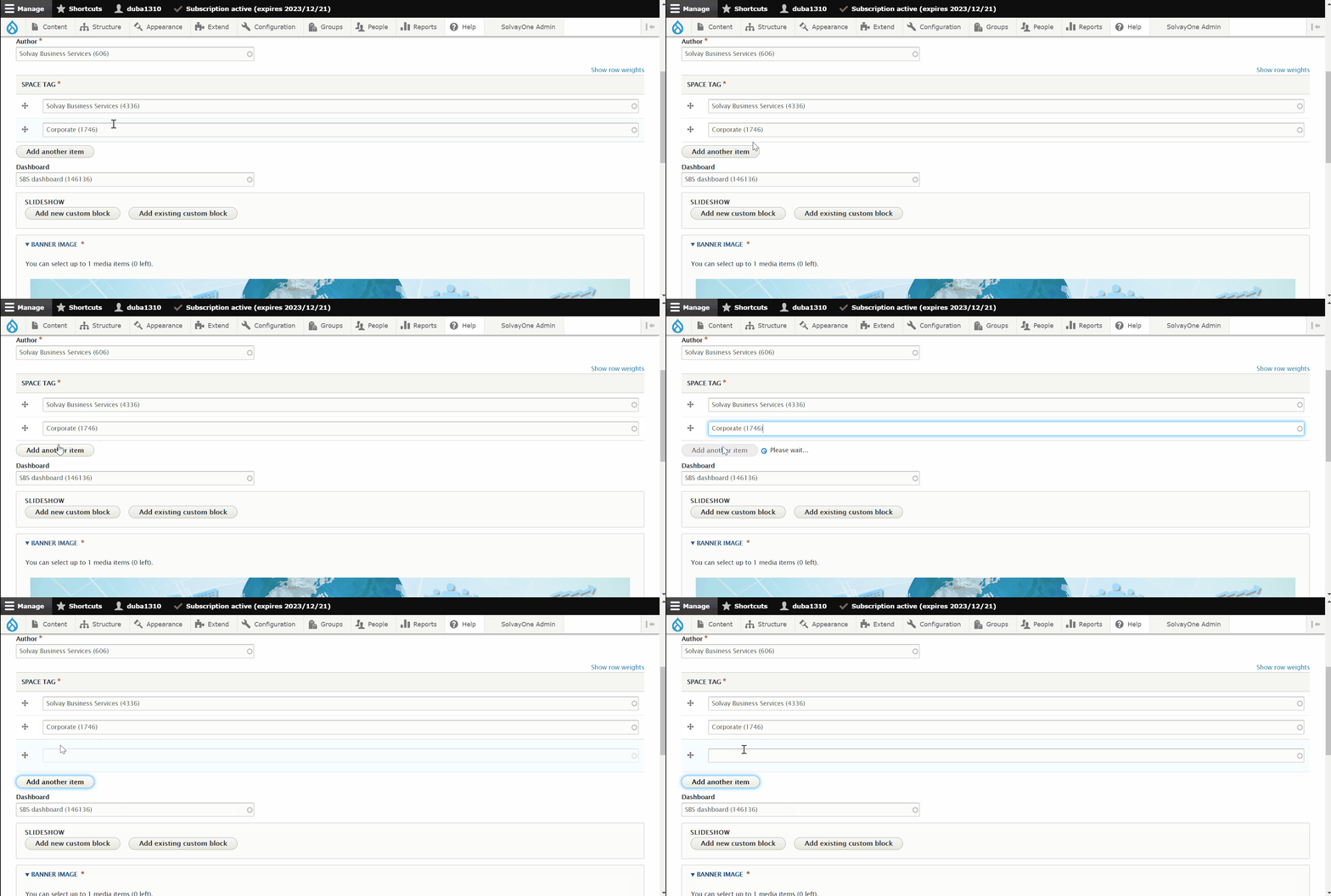
1) Go to the space tag field
2) Enter the tag you want to define
(All the articles containing this tag will appear on the space : e.g if the Solvay Business Services tag is added, all the articles using the Solvay Business Services tag will be displayed in the list).

STEP 3 - Define several tags
If you want to get a more precise list of artilces, you can add several tags by clicking on the Add another item button. It will then add a blank field.
Be careful, in case you have several tags (example : tag1 and tag2), it will display articles using tag1 AND tag2. It will NOT display articles using tag1 OR tag2.
Do not forget to save your page by clicking on Save at the bottom of the page.
 The best way to get IT support is to use the new
Service One Platform.
The best way to get IT support is to use the new
Service One Platform.