

How to change your editing tool?
1. Click on preferences button (see below)

2. Select Web Intelligence tab and look for the options below.

Obs¹: In order to use the Advanced Interface JVM
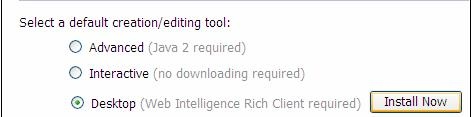
Obs²: In order to use the Desktop Interfece its necessary to install Web Intelligence Rich Client Tool
How to enable Interactive Mode?
1.Click on preferences button

2.Select Web Intelligence tab and look for the options below. Set as indicated

How to create a new query?
1.In the first screen after log-in, click on New: 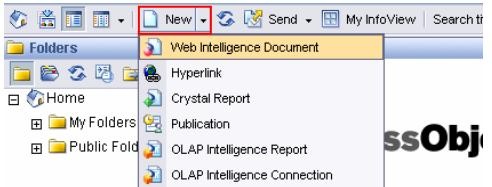 *
*
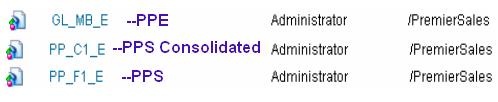
2. Chose the Univers
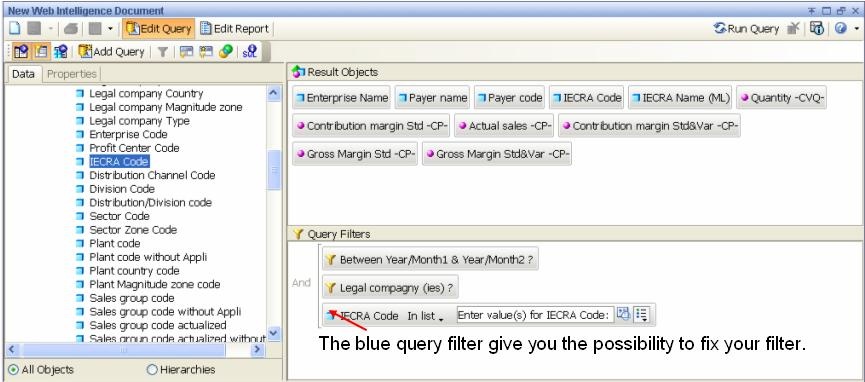
3. Chose and drag and drop your objects in the Result objects and query filters boxes.
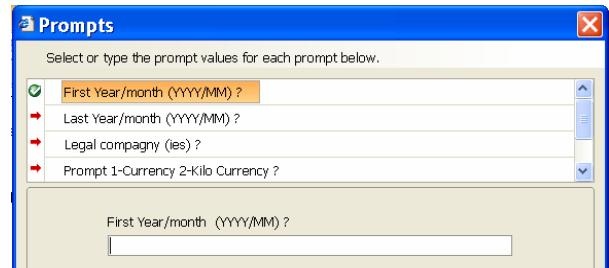
4. Moment to refresh you data… and it is done.
How to modify a new query?
1a.From the report menu click on the edit button
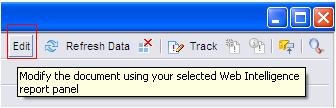
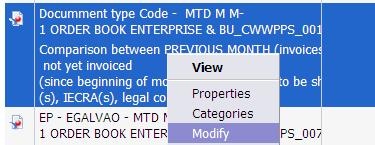
1b. From BO XI Ionfoview
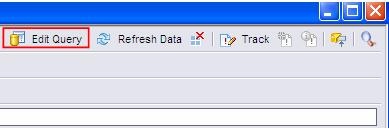
2.Click on Edit Query button on the top right menu
How to enable Rich Client Mode?
1.Click on the Preferences Button
2.Select Web Intelligence tab and look for the options below. Set as indicated
How to access Rich Client Mode?
- From Start Menu

- From BO XI Infoview

- From the report menu click on the edit button

How to import a report on Rich Client Mode?
1.Click on Menu -> File -> Import from CMS

2.Browse for the report on public or favorites folder
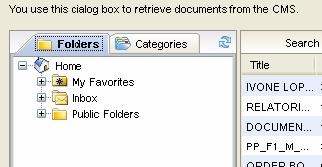
3. Click on add

4.Click on Import
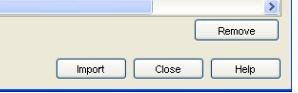
5.Click on Open All

How to export to server?
1.Choose at the Menu -> File -> Export to CMS option

2.Select the folder you want to export it

3.Click on Export
How to create a folder?
1.Select My favorites so that the action button named New is active
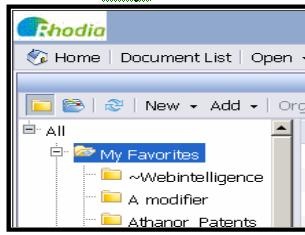
2.Click on New and choose the option folde
r 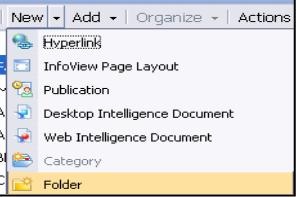
3.Give a name to this new folder Click on Ok
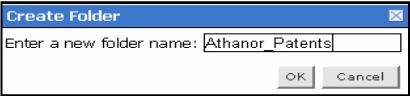
4.Click again on Favorites folder to see the folder created.
How to refresh open?
Note: This operation is only possible when you save the query, via a select, in the toolbar, of Document\Save as
 *
*
1.Give a title
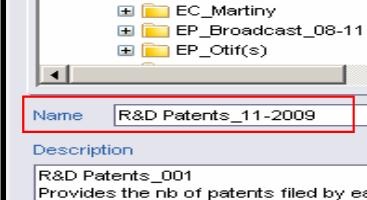
2.Select the path where the query has to be stored

3.Active the Refresh on open option

4.Validate your choice by OK

How to create alerts?


How to apply a ranking?

 The best way to get IT support is to use the new
Service One Platform.
The best way to get IT support is to use the new
Service One Platform.