

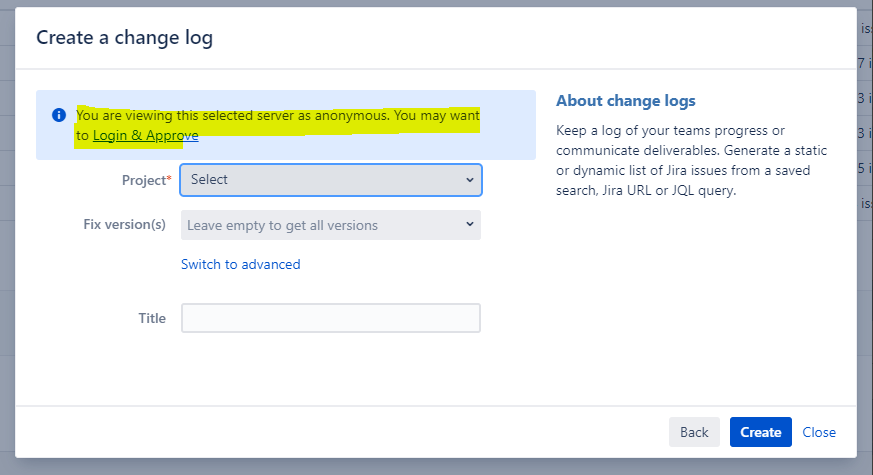
When I am trying create a Wiki page with linkage to Jira from Confluence, I am shown that I need to "Login & Approve". You are seeing this issue because your account in Confluence is not allowed to access your information on Jira. Since the flow is blocked, you will see this issue until you authorized the access. To overcome this issue, please follow the steps below. |
|
|---|---|
Step 1: Make sure you are login on both the Confluence and Jira. Confluence Wiki Link: Jira Link: | On Confluence: On Jira: |
Step 2: Click on the link below to Allow Confluence to read and write data from Jira. |
|
Step 3: After you see the authentication is successful, you can redo your operation with Jira normally. |



 The best way to get IT support is to use the new
Service One Platform.
The best way to get IT support is to use the new
Service One Platform.