Also if you have an error in your pay as a result of an error in time management, please raise a ticket or call the contact center;
Ask theSite HR partner only if you don’t get a satisfactory answer.
WHAT WILL CHANGE IN THE FUTURE?
There are many changes being implemented in the next couple of months, here is what to expect:
A self-servicetool is being implemented that will give you direct access to updated information.
Some countries/sites have implemented a self-service tool. To know more about this topic, please visit your country/site page here.
THE TIME APP AND HOW TO ACCESS IT
The Time App is used by you as an employee to to enter leave and/or time events and requests.
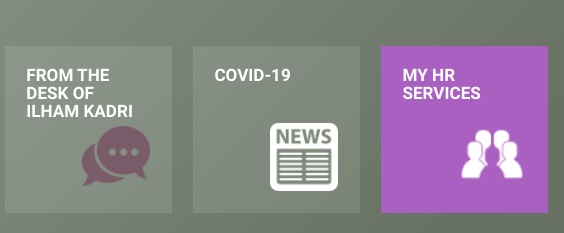
The “Time Management App” can be accessed through “MY HR SERVICES” via Syensqo ONE:
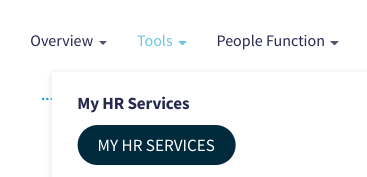
OR via our HR Wiki header above:
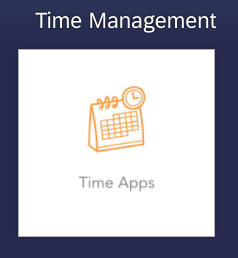
Then, click on the icon labeled “Time Apps”:
As an Employee, there are 5 tiles available on the Time Management App, but this can depend on your access. For example, you may or may not have the tile “My Time Events” due to your country specifications.
What you will see on the Time Management App:
My Leave and Time Requests;
My Time Events (clock in & clock out);
My Time Statements;
My Team Calendar;
My Work schedule.
THE ACTIVITIES YOU PERFORM ON THE TIME APP
Submission of absences & attendances;
Record time events (if applicable);
Request for work schedule substitution.
HOW TO PERFORM THESE ACTIVITIES ON THE TIME APP
Below you will find the procedures and the videos for each of the activities you can perform on the Time App as an Employee: