

STEP 1
Analyse the document sent.
If there is any AUC in column "Settlement Receiver" it should be deleted because it will be fulfilled automatically by the transaction.

STEP 2
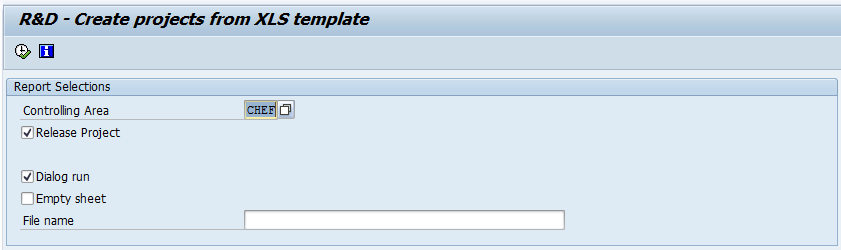
Enter transaction ZZJ02
STEP 3
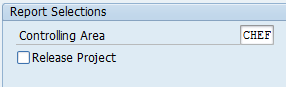
Deselect the field “Release Project”.
STEP 4
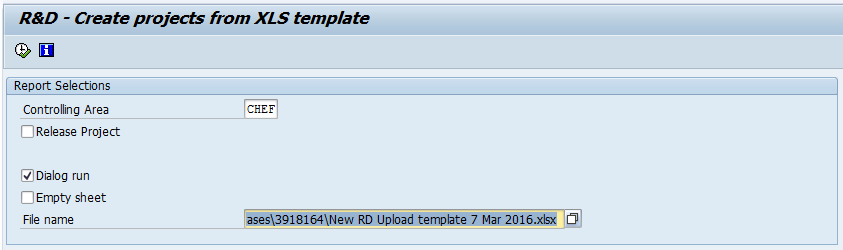
In the "File name" field, upload the Excel file received
STEP 5
Click on the ''Execute'' in order to get to the following screen.
The information that is available on the chosen Excel file, is not displayed.
The first 4 columns stand for:
P: Project / W: WBS / S: Settlement rule /R: Release

The "Release" column can have 4 different status:
 | Ready to be created |
 | Created |
 | Error in creation |
 | Completed |
STEP 6
Select one or several lines and click on  in order to create a new project.

STEP 7
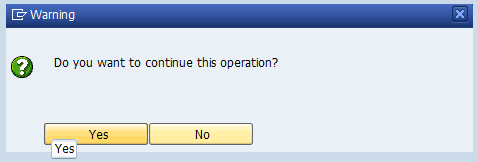
Click on ''OK'' when the warning message pops-up.
STEP 8
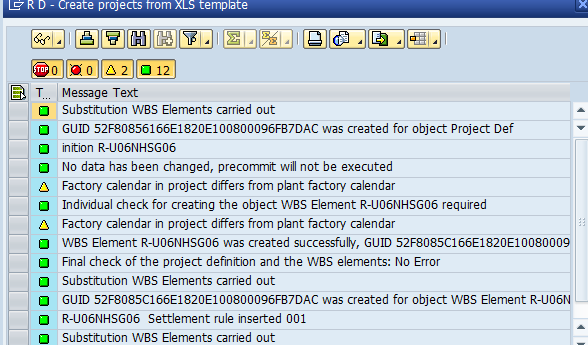
If no errors will be found, a similar screen will be displayed.
Click on  to continue.
The project created will show a flag  in columns P, W and S.
