


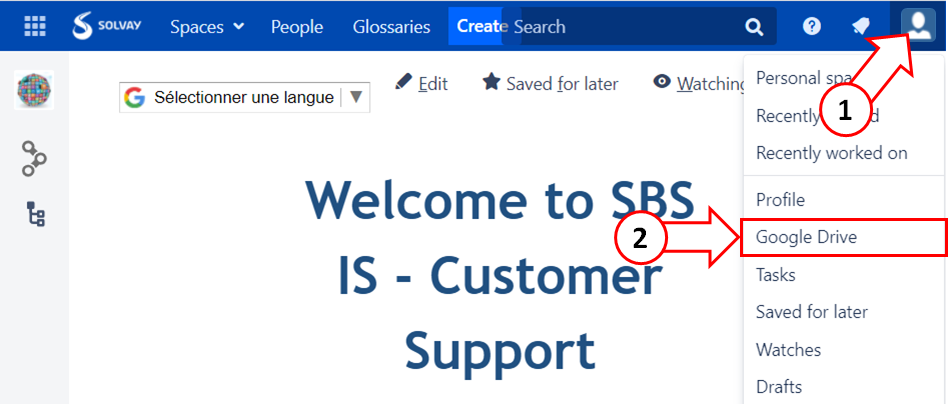
1. In the navigation bar, select your profile and settings
2. Click "Google Drive"
3. Click on "Authorize With Google Docs" will sign with Solvay account

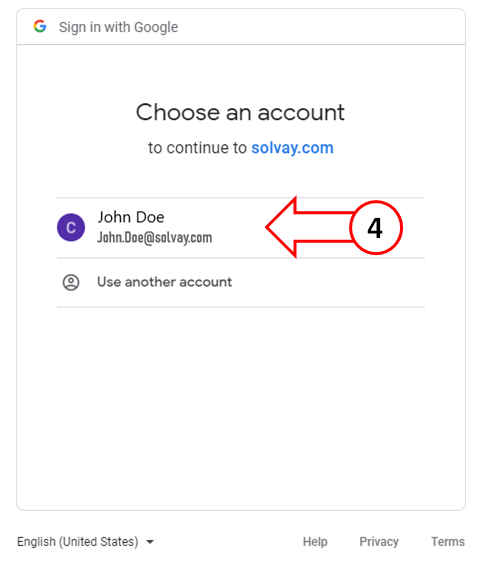
4. Choose your account Solvay
5. Click "Allow"

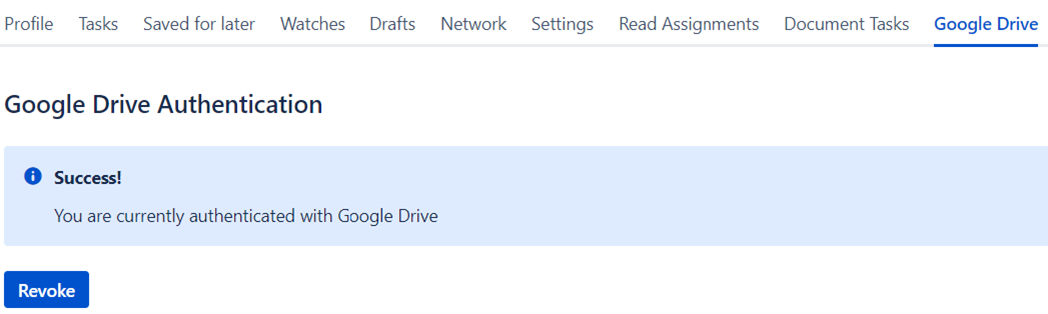
The issue is solved
 The best way to get IT support is to use the new
Service One Platform.
The best way to get IT support is to use the new
Service One Platform.