


The Time App in My HR Services for Managers
THE TIME APP AND HOW TO ACCESS IT
The Time App is used by you as an employee to to enter leave and/or time events and requests.
The “Time Management App” can be accessed through “MY HR SERVICES” via TheHub:
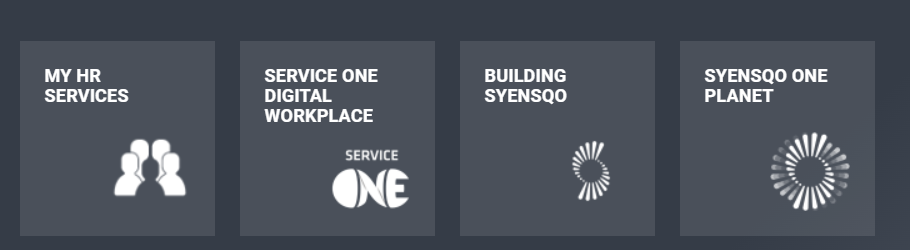
OR via our HR Wiki header above:
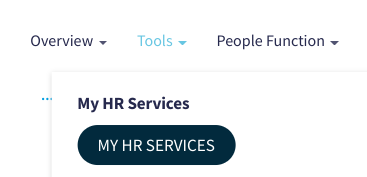
Then, click on the icon labeled “Time Apps”:

As the manager, the additional tiles to manage time and work schedule of your direct employees in the team as follows:
- My Inbox
- My Time Events
- Manage Work schedule
- My Leave and Time Requests
- My Report
- My Time Statement
- Additional Feature in My Team Calendar
HOW TO PERFORM THESE ACTIVITIES ON THE TIME APP
Below you will find the procedures and the videos for each of the activities you can perform on the Time App as an Manager:
My Inbox
My Time Events
Manage Work schedule
My Leave and Time Requests
My Report
My Time Statement
Additional Feature in My Team Calendar
Date last updated:
