


My Personal Information in My HR Services
INTRODUCTION
In this article you will find out how to update your Personal Information on your Profile in My HR Services.
Your personal data can be consulted and edited on your Employee profile in My HR Services, such as:
- Personal information (Names, Marital Status, Gender, Nationality, etc.)
- Personal contact Information
- Address
- National ID
- Work Permit
- Bank Account
- Dependents
STEP - BY - STEP INTRUCTIONS
- Go to My HR Services and click on My profile
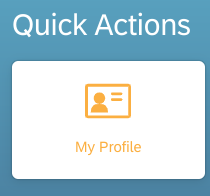
From there, you can edit the information you need to update.
2. To update your information, follow these steps:
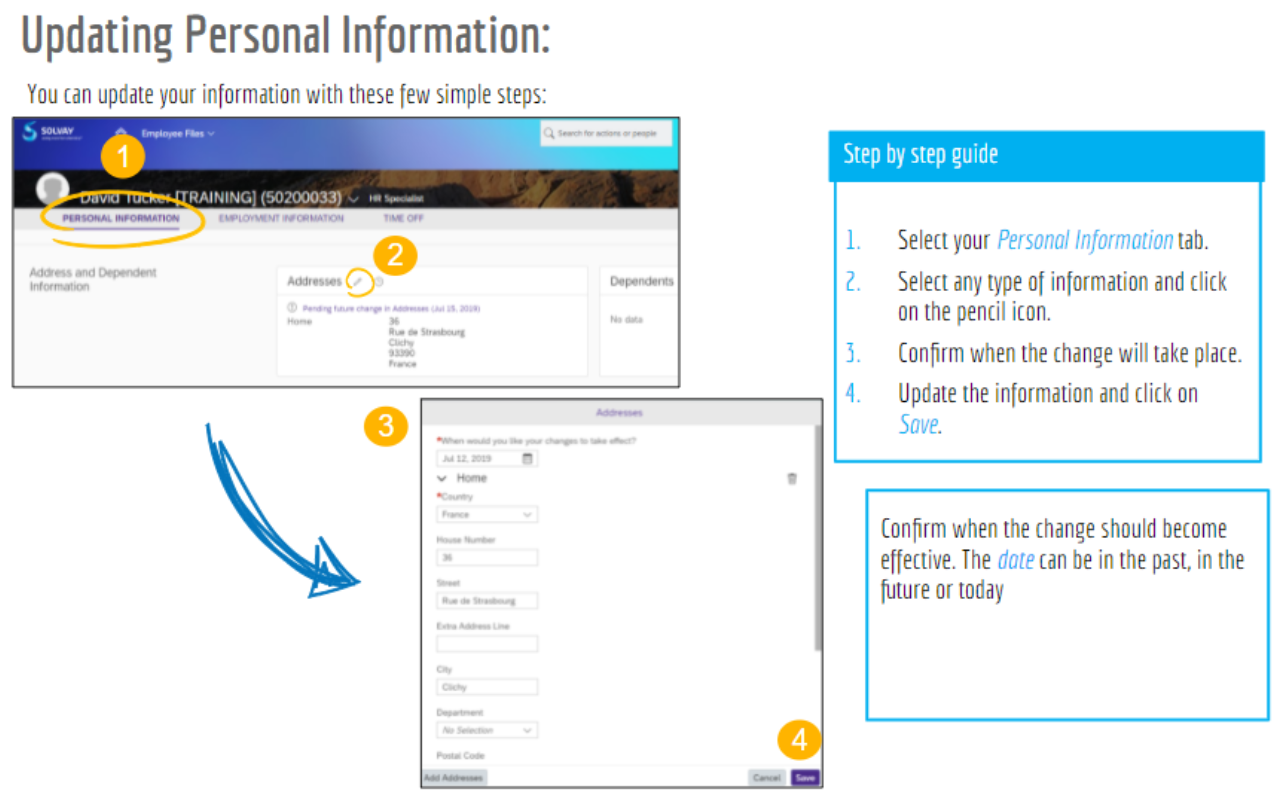
Notes :
- Some changes requested will be submitted to the approval of HR Admin Teams. The change will show as “Pending approval” until it’s finally approved. You will be notified by email when your request was approved.
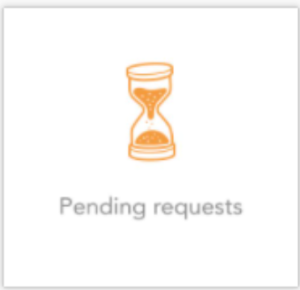
- On this tile, you will find your pending requests:
- Please ALWAYS add the proper documentation when prompted by the tool, according to your request, so the HR Admin Teams can review and approve it.
FOR MORE INFORMATION CONSULT THE MANUAL BELOW
For Email Address Change or Concerns, please get IT support or call your regional helpdesk's phone number at MyContacts@SBS
Date last updated:
