

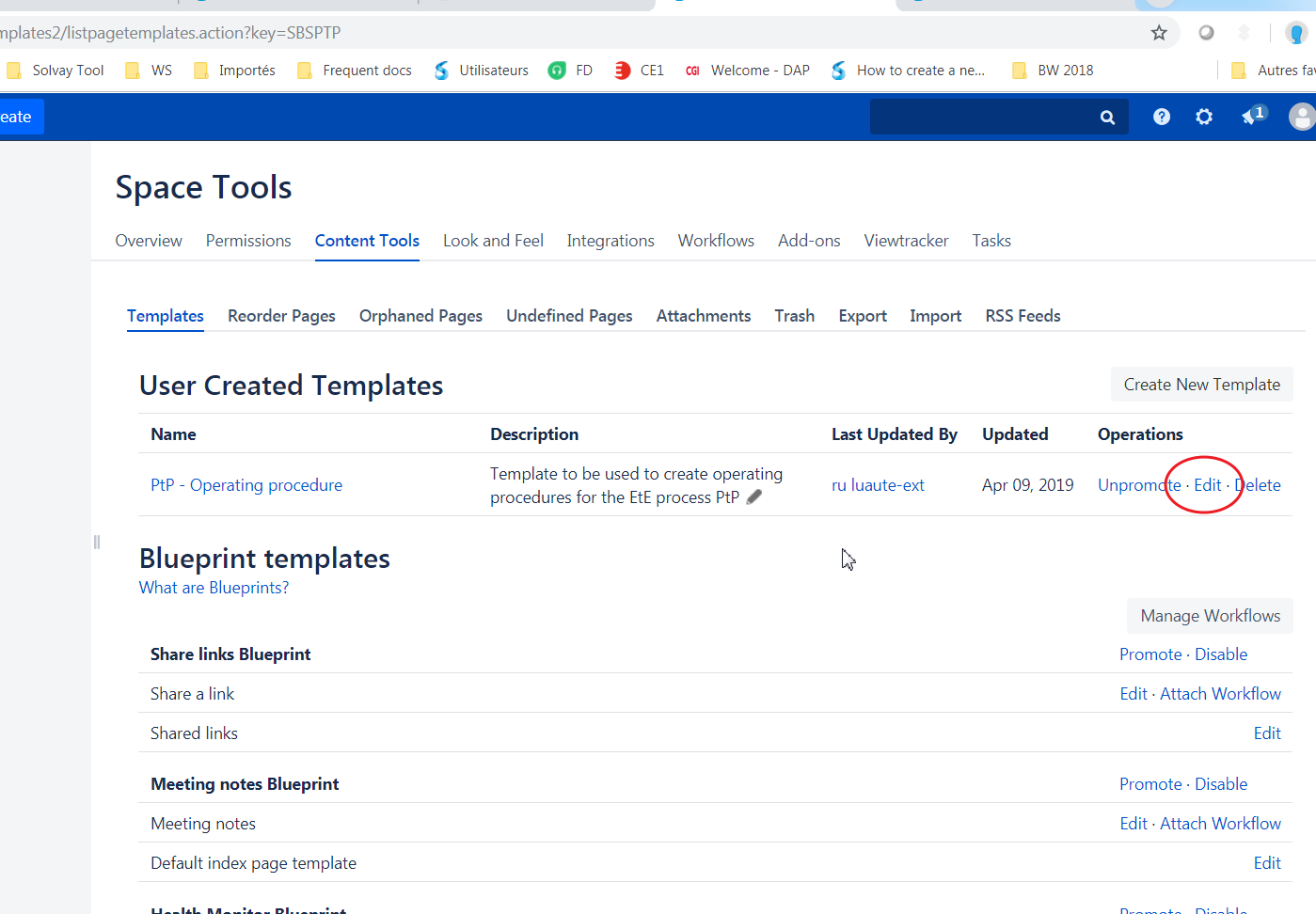
after click crate a page , chose " add or customize templates for the selected space" |
|
|---|---|
| edit the template which needed |
|
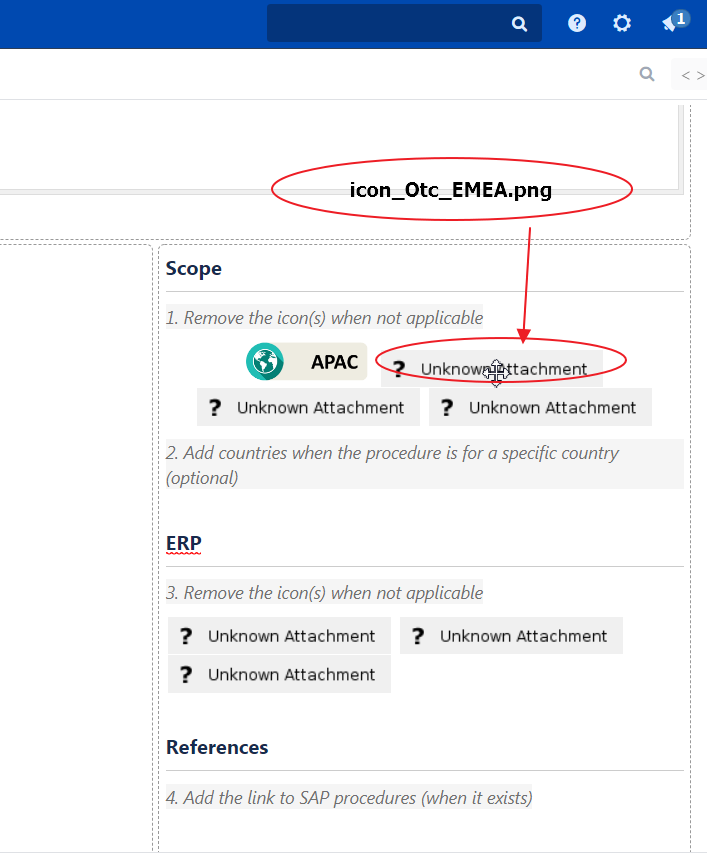
as you can see there are some unknown attachment image , mouse over on this image , you can see the name is : " icon_Otc_EMEA.png" |
|
1) click on the image you need replace 2) click on insert the image 3) " search on other page 4) put your image's name 5) search 6)select the image 7) insert |
|
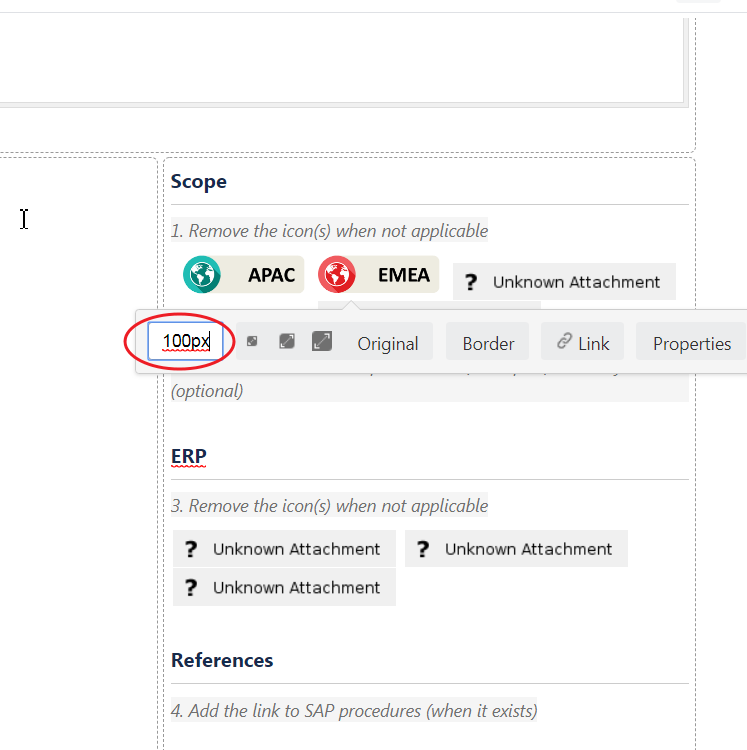
| change the size if needed |
|
|


 The best way to get IT support is to use the new
Service One Platform.
The best way to get IT support is to use the new
Service One Platform.