Page tree

Versions Compared

Key

  • This line was added.
  • This line was removed.
  • Formatting was changed.

...

Content Layer
background-color#775D9C#626976
id1051820542
Content Column
id1051820555
Content Block
background-color#775D9C#626976
id1051820554

My Personal Information in My HR Services


Content Layer
margin-30px
id1925176407
Content Column
width70%
id1925176409
Content Block
id1925176412

INTRODUCTION

In this article you will find out how to update your Personal Information on your Profile in My HR Services.

Your personal data can be consulted and edited on your Employee profile in My HR Services, such as: 

  • Personal information (Names, Marital Status, Gender, Nationality, etc.)
  • Personal contact Information 
  • Address
  • National ID
  • Work Permit
  • Bank Account
  • Dependents


Note: If you require a Biological information change please open a ticket through SyRa.

Note: If you need to update your E-mail or Business Contact, please open a ticket to the Service Desk through this link.


STEP - BY - STEP INTRUCTIONS

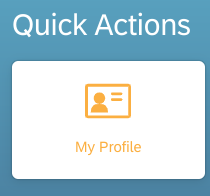
  1. Go to My HR Services and click on My profile


From there, you can edit the information you need to update. 


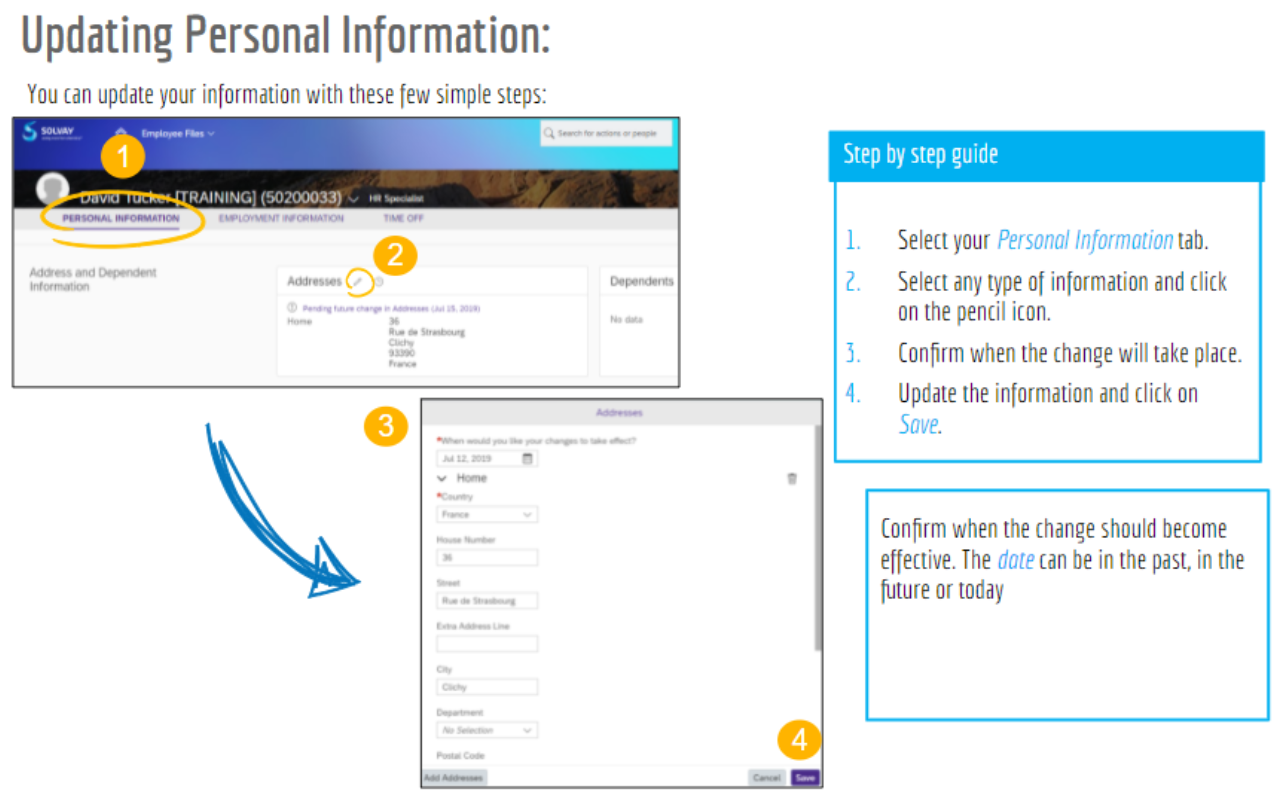
2. To update your information, follow these steps:


Notes :  

  • Some changes requested will be submitted to the approval of HR Admin Teams. The change will show as “Pending approval” until it’s finally approved. You will be notified by email when your request was approved.
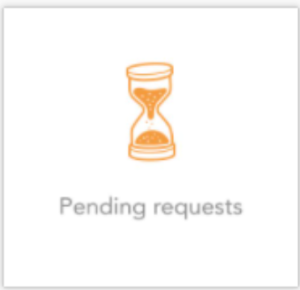
  •  On this tile, you will find your pending requests: 


  • Please ALWAYS add the proper documentation when prompted by the tool, according to your request, so the HR Admin Teams can review and approve it. 

FOR MORE INFORMATION CONSULT THE MANUAL BELOW

Action Button
new-windowtrue
textclick here to open the employee manual
urlhttps://docs.google.com/presentation/d/1v6cVJzylE_najMpw96ihtBryt3XpYAKjSXtBld1aSG8/edit?usp=sharing


For Email Address Change or Concerns, please get IT support or call your regional helpdesk's phone number at MyContacts@SBSthat you can find here.


Date last updated:  

Content Column
background-color#26294D#353C47
columnalternate
width30%
id1925176410

USEFUL LINKS

Content Block
background-color#26294D#353C47
id1925176413