

Page tree

You are viewing an old version of this page. View the current version.

Compare with Current View Page History

« Previous Version 14 Next »

For getting access to DSS and more information, please refer here.

DSS supports connections to dozens of data storage systems.
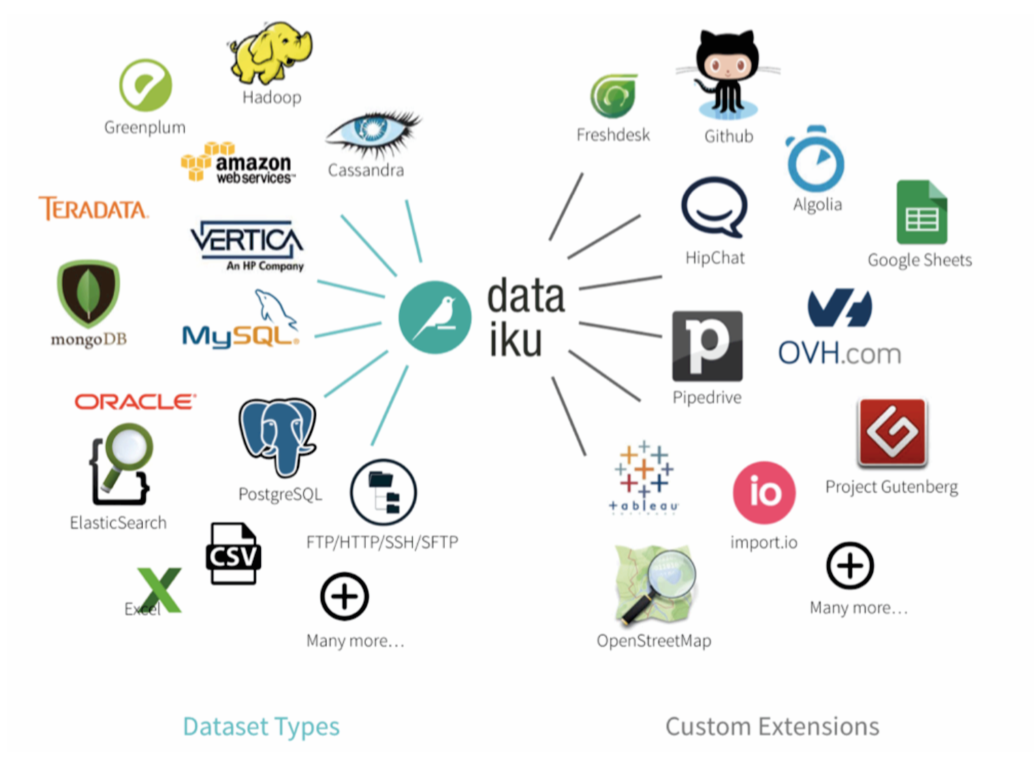
Data sources supported by Dataiku


For information on how to connect to data, please explore here

There are many ways to get advanced knowledge on DSS can do to your business

  • For deep diving into DSS, please refer the training videos here
  • To learn more about the uses cases DSS can offer, please explore here
  • For a detailed documentation, please refer to the user guide

In order to change/reset password, follow the following steps:

  1. Go to the user center on the top right corner of DSS dashboard
  2. Click on Profiles and settings
  3. From your profile, click Edit on the top right corner
  4. Enter your old and new password under change your password menu
  5. Click Save once done.

The best way to get IT support is to use the new Service One Platform.