


How to access Service One & How to use the search box
HOW TO ACCESS SERVICE ONE
Enter Syensqo One → Click Service One →At the top of the page you’ll see the Search box.
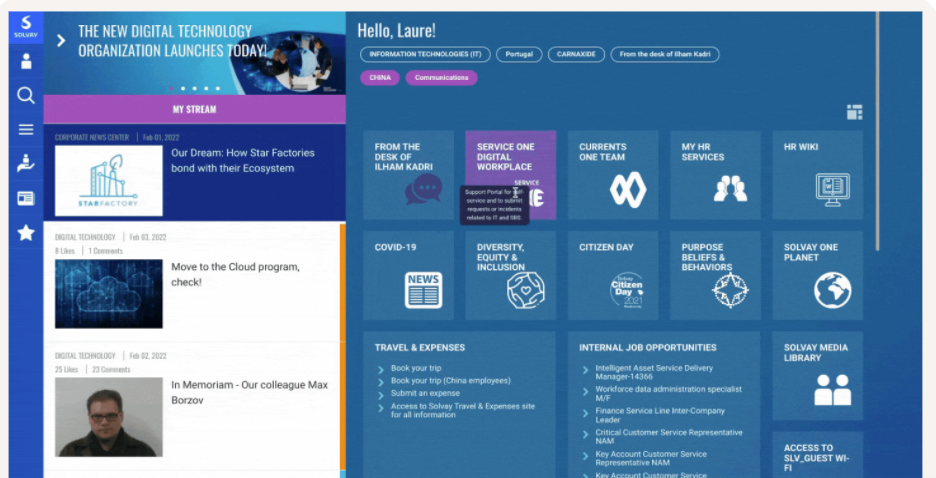
THE TILE ON SYENSQO ONE LOOKS LIKE THIS:
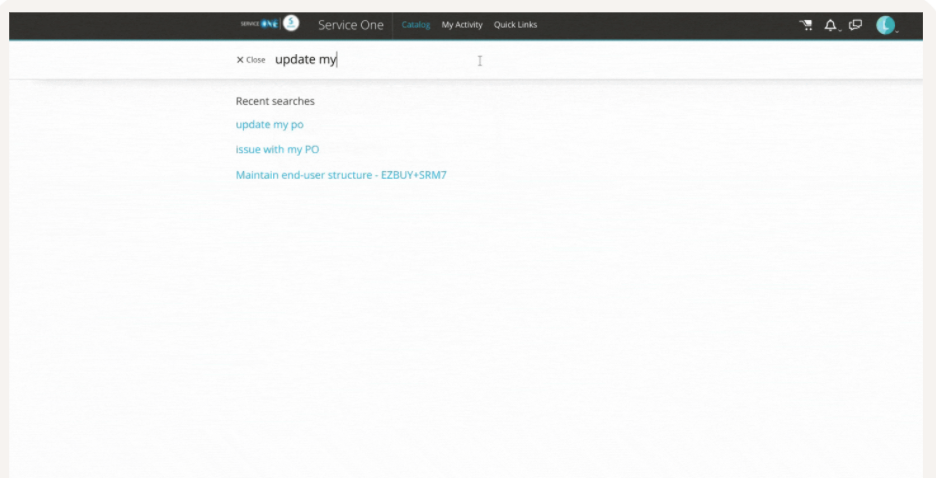
HOW TO USE THE SEARCH BOX
Use the Search box to type the relevant keywords. Ex: offboarding, promotion etc.
Date last updated:
